Windows.
Windows guides, troubleshooting solutions, useful settings and practical PC tips.

Importing Web Data into Microsoft Excel: A Practical Guide
Learn how to bring tables, lists, and other data from websites into Microsoft Excel using built-in import tools, refreshable queries, and best practices for cleaning and updating web data.

Updating DirectX on Windows 11: What You Need to Know
Learn how DirectX updates work on Windows 11, how to check your current version, and the safest ways to get the latest DirectX components for games and apps.
11 Ways to Fix a Windows 10 Start Menu That Won’t Open
Learn practical ways to fix a Windows 10 Start Menu that won’t open, from simple shell fixes to system file repairs and Windows troubleshooting tools.
Add a One-Click Print to PDF Button in Microsoft Excel on Windows 11
Learn how to create a custom Print to PDF button in Microsoft Excel on Windows 11 so you can save spreadsheets as PDFs faster and with fewer clicks.
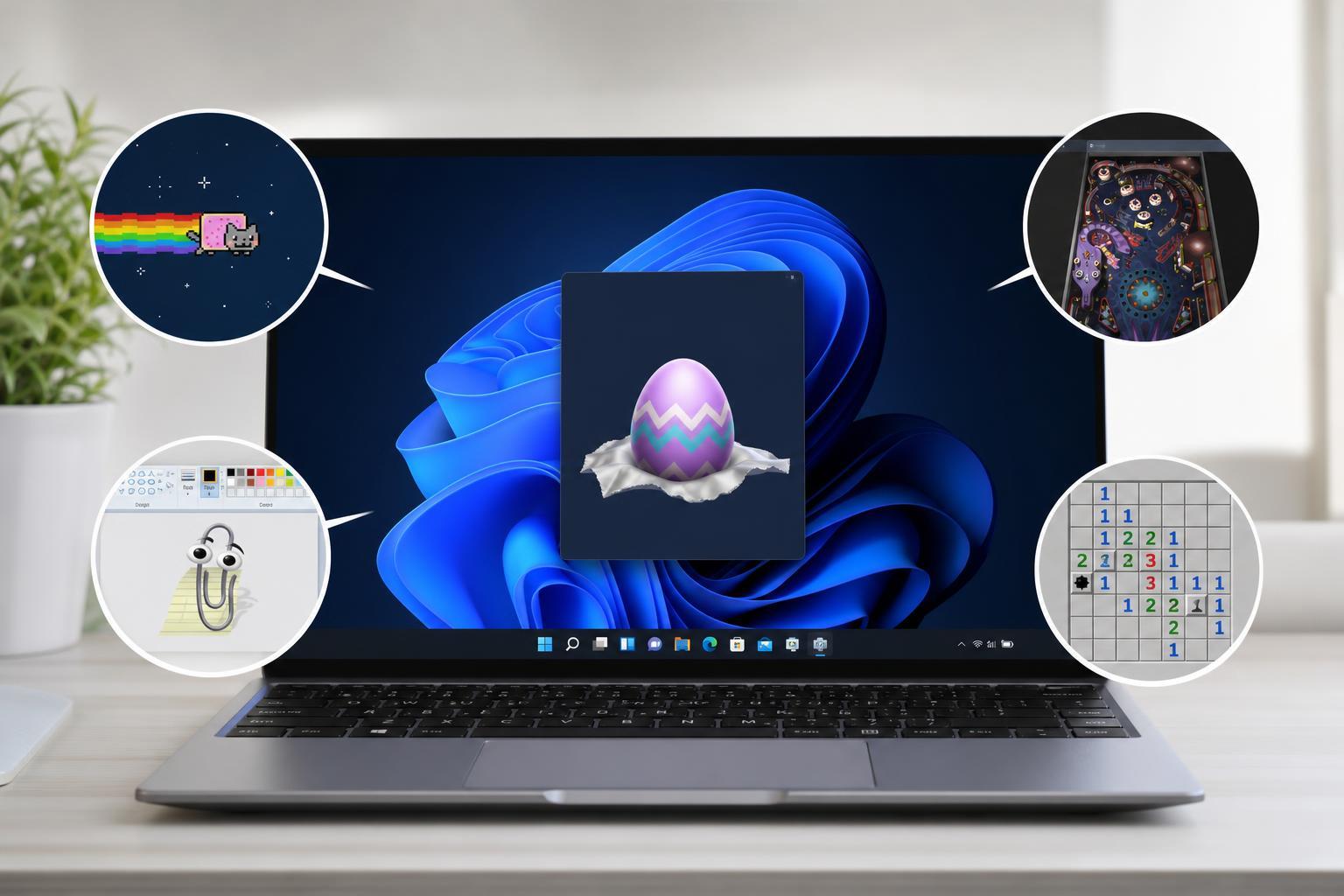
4 Hidden Easter Eggs You Can Find in Windows 11 and How to Open Them
Discover four hidden Windows 11 Easter eggs, where to find them, and what each one does. Learn simple steps to access these built-in surprises without changing anything important on your PC.

Accessing Samsung Notes on a Windows PC
Learn the practical ways to view Samsung Notes on Windows, including syncing through Samsung apps, using your Samsung account, and opening notes through compatible devices or exports.

Prevent Facebook Messenger From Launching Automatically on Windows
Learn how to stop Facebook Messenger from opening at startup on Windows using startup settings, Task Manager, app options, and uninstall options if needed.

How to Fix Zoom When It Won’t Open on Windows 11 and 10
Learn three practical ways to fix Zoom when it refuses to launch on Windows 11 or Windows 10, including app repair, compatibility checks, and reinstalling Zoom.

How to Fix the “Access Denied” Error in Steam on Windows
Learn four practical ways to fix the Steam “Access Denied” error on Windows, including permission issues, antivirus interference, file access problems, and app repair steps.

How to Fix the “Your PC Did Not Start Correctly” Message in Windows 11
Learn what causes the Windows 11 “Your PC did not start correctly” message and how to fix it with safe, practical troubleshooting steps from simple repairs to recovery tools.

10 Effective Ways to Fix Google Chrome Freezing or Crashing on Windows 10
Learn the most effective fixes for Google Chrome freezing or crashing on Windows 10, from extensions and hardware acceleration to profile issues, updates, and system checks.

9 Practical Windows 11 Multitasking Tips and Tricks
Learn nine useful Windows 11 multitasking tips to manage windows, snap layouts, virtual desktops, shortcuts, and workflow tools more efficiently.