For years, many smart features relied on sending data to the cloud, waiting for a server to process it, and then sending the result back. That model is changing fast. More gadgets are now doing AI tasks directly on the device, which can make them faster, more private, and more reliable.
On-device AI is showing up in phones, laptops, tablets, earbuds, smart home devices, and wearables. It does not replace the cloud entirely, but it changes what your gadgets can do locally and how they respond in everyday use.
What On-Device AI Actually Means
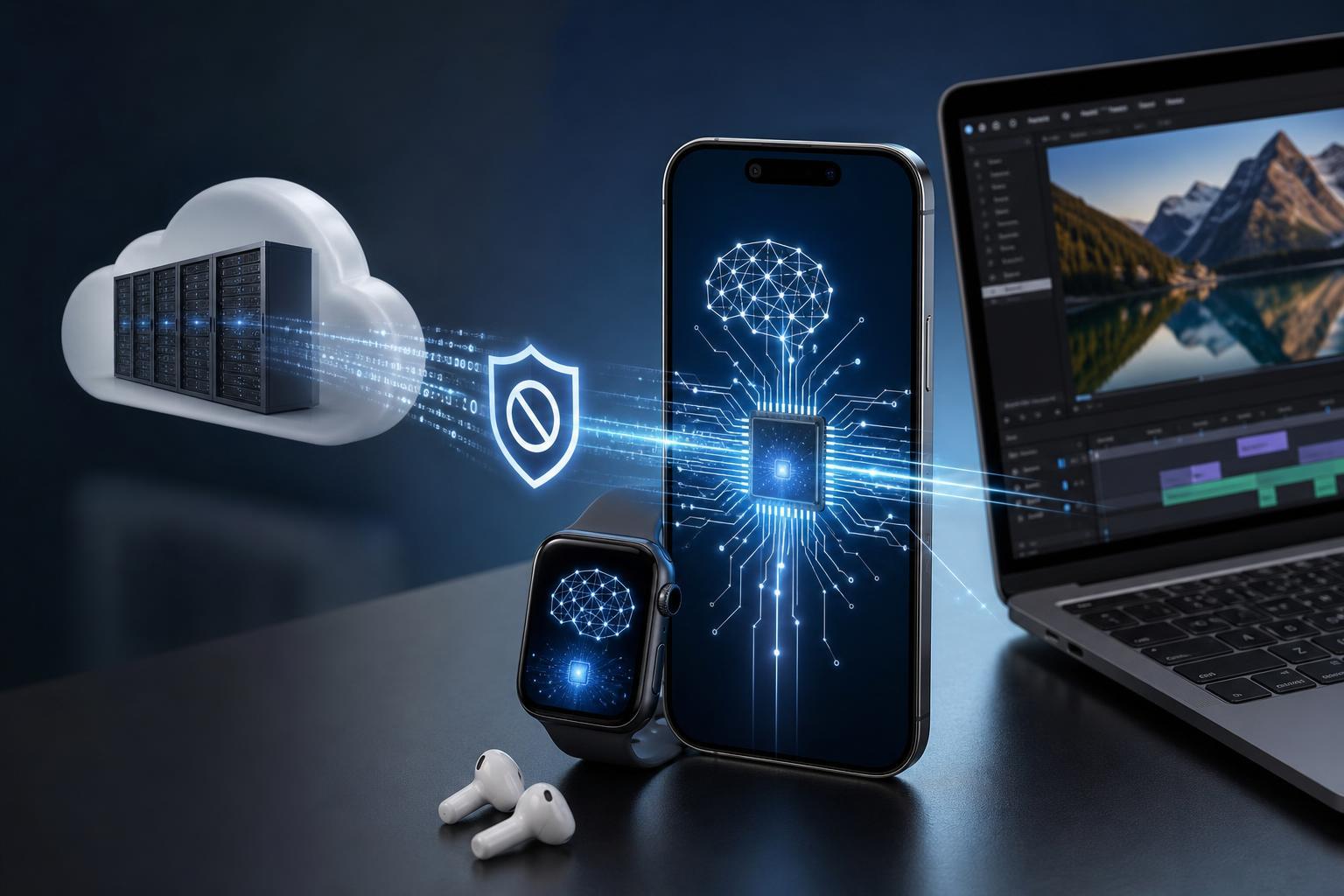
On-device AI means the processing happens on the gadget itself instead of being sent to remote servers. The device uses its own CPU, GPU, neural engine, NPU, or similar hardware to run AI features locally.
That can include things like image enhancement, voice transcription, spam call filtering, live translation, photo cleanup, smart suggestions, and offline assistants. Some tasks still benefit from the cloud, especially large or complex ones, but many common features can now run locally.
Why Device Makers Are Pushing This Shift
- Lower latency: local processing can respond faster because data does not need to travel to a server and back.
- Better privacy: sensitive data such as voice, messages, photos, or personal habits may stay on the device.
- Offline capability: some features can still work without an internet connection.
- Reduced cloud costs: less server-side processing can lower operating costs for manufacturers.
- More consistent performance: local AI can be less affected by network congestion or server delays.
How On-Device AI Changes the Experience
The difference is easiest to notice in tasks that need quick feedback. A camera app that enhances a photo immediately, a voice recorder that transcribes in real time, or a keyboard that predicts text locally can all feel smoother when the device handles the work itself.
- Phones can blur backgrounds, clean up audio, and summarize notifications more quickly.
- Laptops can offer local transcription, meeting summaries, and search across files without always sending data out.
- Earbuds can improve voice pickup and noise reduction with less delay.
- Smart home devices can recognize basic commands even if the internet is unavailable.
- Gaming handhelds and portable devices can use AI for upscaling, frame generation assistance, or background effects, depending on the hardware and software.
What Hardware Makes It Possible
On-device AI depends on specialized hardware. Modern devices often include chips designed to handle machine learning tasks more efficiently than a standard processor alone.
- NPUs, or neural processing units, for AI inference tasks
- GPUs, which can accelerate certain AI workloads
- Dedicated silicon in mobile chips for speech, image, and language processing
- Memory and storage improvements that help models load and run efficiently
Software also matters. A gadget needs an operating system and apps that know how to use local AI features. Hardware alone is not enough if the system cannot expose those capabilities to the user.
The Main Benefits Users Notice
- Speed: actions often happen faster because the device is not waiting on the internet.
- Privacy: personal information can stay local for more tasks.
- Reliability: useful features may continue working during weak or no connectivity.
- Battery efficiency: some AI tasks can be more efficient on specialized hardware than on general-purpose processors, though heavy AI use can still drain power.
- Less friction: users do not have to think about whether a cloud connection is available before using the feature.
Where Cloud AI Still Has an Advantage
Cloud AI is not disappearing. Remote servers still make sense for large-scale processing, very complex models, collaborative features, and tasks that need massive computing power.
- Large language tasks that exceed the device's memory or processing limits
- Heavy image generation and video creation
- Cross-device syncing and account-based personalization
- Features that benefit from centrally updated models or shared databases
- Tasks where occasional delay is acceptable
What This Means for Phones, Laptops, and Other Gadgets
Phones are currently the most visible example, but the same trend is spreading across the rest of consumer tech. Laptops are gaining local AI tools for writing, search, and meetings. Smartwatches and earbuds are getting smarter about health, voice, and audio. Even home devices are becoming more capable without needing a constant internet connection.
The biggest shift is that gadgets are becoming more useful by default, not only when connected. That can change how people expect devices to work: quicker responses, fewer delays, and more helpful features in normal daily use.
Things to Watch Before You Buy
- Check whether the AI feature works fully offline or only partly on-device.
- Look at the device's chip and software support, not just marketing claims.
- Consider how much storage and memory the device has, since local models need space and resources.
- Pay attention to battery impact if you plan to use AI features heavily.
- Verify whether privacy settings let you control when data leaves the device.
The Bigger Trend Behind It
On-device AI is part of a broader move toward smarter edge computing, where more processing happens closer to the user. Instead of treating the cloud as the default for everything, device makers are splitting tasks between local hardware and remote services in a more practical way.
For users, that usually means gadgets that feel more immediate, more personal, and less dependent on a strong internet connection. The cloud will still matter, but the next generation of devices will likely do more of the work on their own.